
Video Walls and Multi-Display Installations: When One Screen Is Not Enough
Some spaces need more than one screen. A lobby that should tell visitors who you are, a venue where guests watch several feeds at once, an operations room where staff track live information, a showroom that has to stop people as they walk by. In each case the answer is usually a video wall or a coordinated set of displays working as one system.
These installations look simple once they are on the wall. Getting them there involves more decisions than most people expect, and the ones made early decide whether the wall still looks good in five years.
Start with what the wall is for
Before choosing a technology, write down what the wall needs to do, who will look at it, and from how far away.
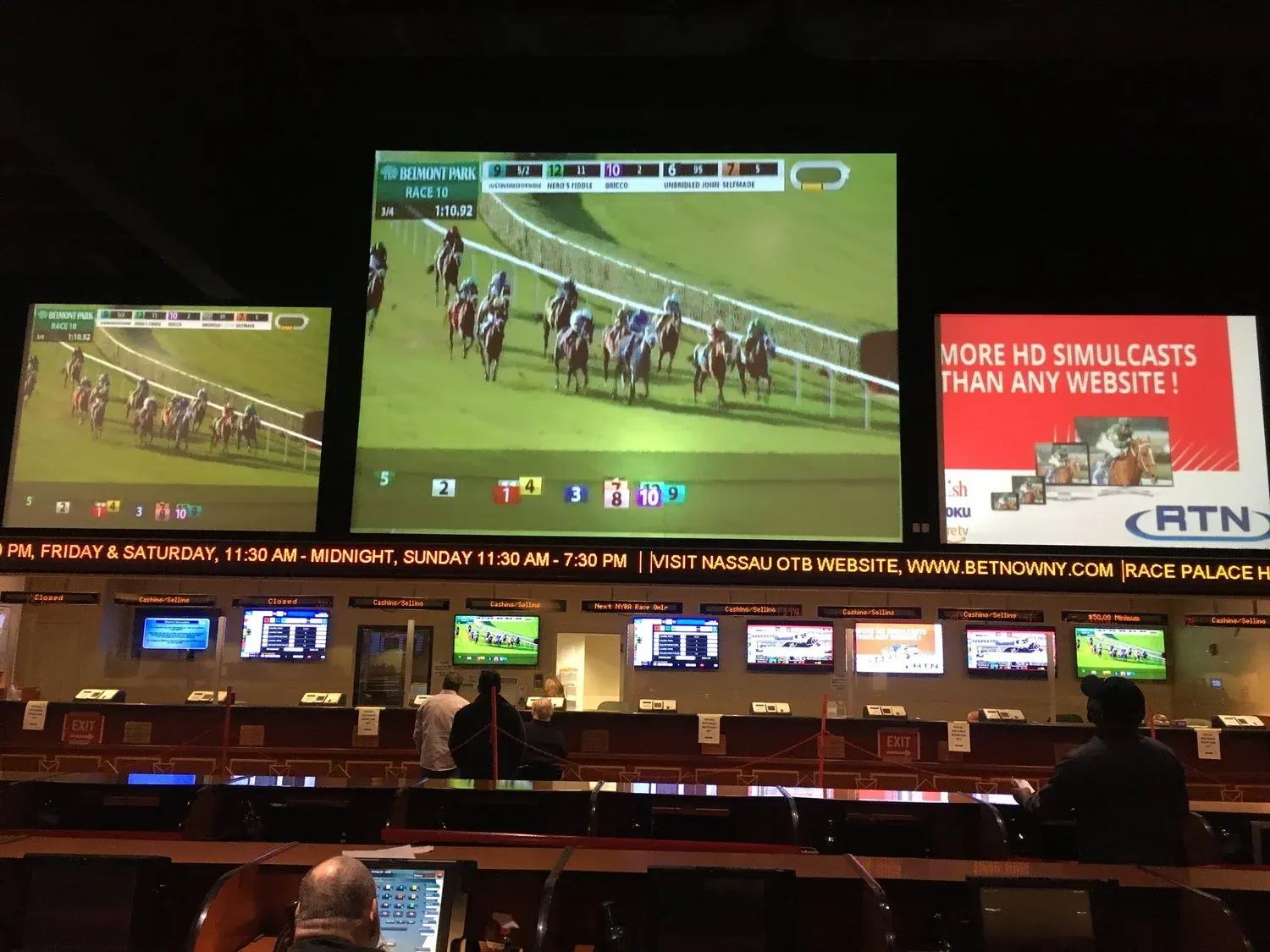
A lobby wall that plays brand video and a welcome message is mostly about impact and reliability. An operations or monitoring wall needs to show several live sources at once, legibly, all day. A venue like the one pictured above mixes both: large feeds for a crowd at a distance, plus smaller displays for people standing close. A conference room wall is used for presentations and video calls, where readable text matters more than brightness.
Each of those leads to different choices about size, resolution, brightness and control. A wall specified without that conversation tends to be either more than the space needs or not enough.
LED or tiled LCD panels
There are two main ways to build a video wall today.
Direct view LED is made of modules that join with no visible seams. It can be very bright, which makes it the right choice for spaces with lots of daylight, and it can be built to almost any size or shape. The key specification is pixel pitch, the distance between pixels. A smaller pitch looks sharper up close and costs more. A wall that viewers will see from across a lobby can use a larger pitch than one in a conference room where people sit ten feet away.
Tiled LCD panels are commercial displays designed to sit edge to edge. They are typically less expensive than fine pitch LED for the same size, and they look excellent for most content. The tradeoff is the thin line where the panels meet. For video and photography it disappears quickly. For spreadsheets or text that crosses a seam it can be distracting.
For a single large image in a bright space, LED usually wins. For a monitoring wall that shows many separate windows, tiled panels can be a very sensible choice because the seams fall between the windows anyway. Our article on projection versus LED covers the related question for event and meeting spaces.
The parts nobody sees on the wall
The screens get the attention, but a video wall is a system, and most of its quality comes from what sits behind it:
- Mounting and structure. Panels have to align precisely and stay aligned. That depends on a proper mount, a wall that can carry the weight, and access for service. Some mounts let each panel pop forward for maintenance, which is worth paying for.
- Processing. A video wall processor takes the incoming sources and divides or arranges them across the panels. It decides what the wall can show at once and how easily it can change layouts.
- Signal distribution. Getting video from the sources to the wall, often over long distances, with no loss of quality and with room to add sources later.
- Power and heat. Walls draw real power and produce heat, especially LED. Dedicated circuits and ventilation belong in the plan from day one.
Content is the ongoing cost
A video wall is only as good as what is on it. Before installation, decide who creates the content, who updates it, and how often.
A lobby loop that never changes looks stale within months. Content built at the wrong resolution or aspect ratio looks soft or stretched. For a wall with an unusual shape, every piece of content may need to be built specifically for it. A content management system or digital signage player lets staff schedule and update content without calling anyone, and it is worth choosing one that the people who will actually use it find easy.
Control that staff can actually use
A wall in a reception area may never need anyone to touch it. A wall in a conference room, venue or control room probably will. Staff need a simple way to switch sources, change layouts and turn the system on and off.
A wall-mounted touch panel with a handful of clearly labeled presets is usually the right answer. If changing what is on the wall requires a technician or a laptop, it will not be changed, and the wall will quietly stop being useful.
Plan for year five, not just opening day
Displays are rated for long lives, but walls that run all day still need attention. LED modules and power supplies occasionally fail, and replacements from the same production batch keep colors consistent, so it is worth ordering spares with the original installation. LCD panels can drift in brightness and color over time and benefit from periodic calibration. Processors and players need software updates.
A service plan that covers inspection, cleaning, calibration and spare parts costs far less than replacing a wall that was allowed to degrade. We cover the broader picture in keeping an AV system working in year five.
What to ask before you sign
- What is the viewing distance, and what pixel pitch or panel size does that call for?
- How bright is the space at its brightest, and is the wall bright enough for it?
- What sources will feed the wall, and how many need to be shown at once?
- Who will create and update content, and with what software?
- How is the wall serviced, and are spare modules or panels included?
For more on the contract side of a project like this, see questions to ask before you sign an AV installation contract.
Built for the room it lives in
Long Island Video designs and installs video walls, digital signage and multi-display systems for businesses, venues, schools and institutions across Nassau County, Suffolk County and the tri-state area, as part of the work we have been doing since 1988. Learn more about our AV system design and installation work, then tell us about your space or call 516 759 5483.