

After the Install: Keeping an AV System Working in Year Five
The day an AV system is commissioned is the day it works best. Every cable is labeled, every preset is fresh, the people who designed it are in the building, and the staff have just been trained. Most of the questions about whether a system was worth the investment get answered years later, when none of that is true anymore.
For the conference rooms, classrooms, sanctuaries and boardrooms we support across Long Island, a well-built audio visual system can run for a decade. Whether it actually does depends far less on the equipment than on what happens after the installers leave.
What actually wears out in an AV system
Very little in a modern system fails dramatically. Instead things drift.
Projector lamps dim gradually, and even laser projectors lose brightness over their life. Batteries in wireless microphones lose capacity, and the microphones themselves take a beating from being dropped, sat on and packed into drawers. Connectors on cables that get plugged and unplugged at a lectern every day loosen. Fans in equipment racks collect dust, which raises temperatures and shortens the life of everything inside.
None of these are emergencies on their own. Together, over a few years, they turn a room that used to just work into a room people avoid.
What changes around the system: software, network and staff
The bigger risk is often not the equipment but the world around it.
Software and firmware. Control processors, conferencing codecs, switchers and displays all run software, and many of them now depend on regular updates. A laptop operating system update can change how a display connects. A conferencing platform update can change which cameras and microphones it recognizes.
The network. More and more AV runs over the building’s network, which means a change by the IT team, a new firewall policy or a switch replacement can quietly break something in a conference room. Coordination between whoever supports the AV and whoever runs the network is no longer optional.
The people. The staff who were trained at handover move on. The new office manager, facilities lead or AV volunteer inherits a system they were never shown. When that happens without documentation, the most common outcome is someone unplugging the wrong thing and the room going dark.
The way the room is used. A boardroom becomes a hybrid meeting room. A sanctuary starts streaming. A gym hosts graduation. Each change asks something of the system it was not designed for.
AV documentation is the most valuable thing you own
When we finish an installation, the drawings, the equipment list, the network details, the control programming and the user guides matter as much as the hardware. They are what let anyone, including us, diagnose a problem quickly years later.
Make sure you actually have them, that they live somewhere your organization controls, and that they get updated when something changes. If you inherited a system with no documentation, rebuilding it is worth doing before the next problem rather than during it. A short visit to trace and label what is there often pays for itself the first time something goes wrong. We covered this in more detail in our list of questions to ask before signing an installation contract.
A simple AV maintenance schedule
You do not need an elaborate program. A sensible routine covers most of it:
- Every week or before every big use: power everything on, check that each microphone, display and camera works, and replace microphone batteries on a schedule rather than when they die.
- Every few months: clean filters and fans, check for loose connectors at the places people plug in, and confirm that firmware and conferencing software are current.
- Once a year: a proper inspection by your integrator. Test every input and output, measure display brightness, check the sound system against how it was tuned, review the network configuration with IT, and walk through what has changed in how the room is used.
That annual visit is also the right moment to ask what is approaching end of life, so replacements can go into a budget rather than arrive as a surprise.
Plan the AV upgrade before you need it
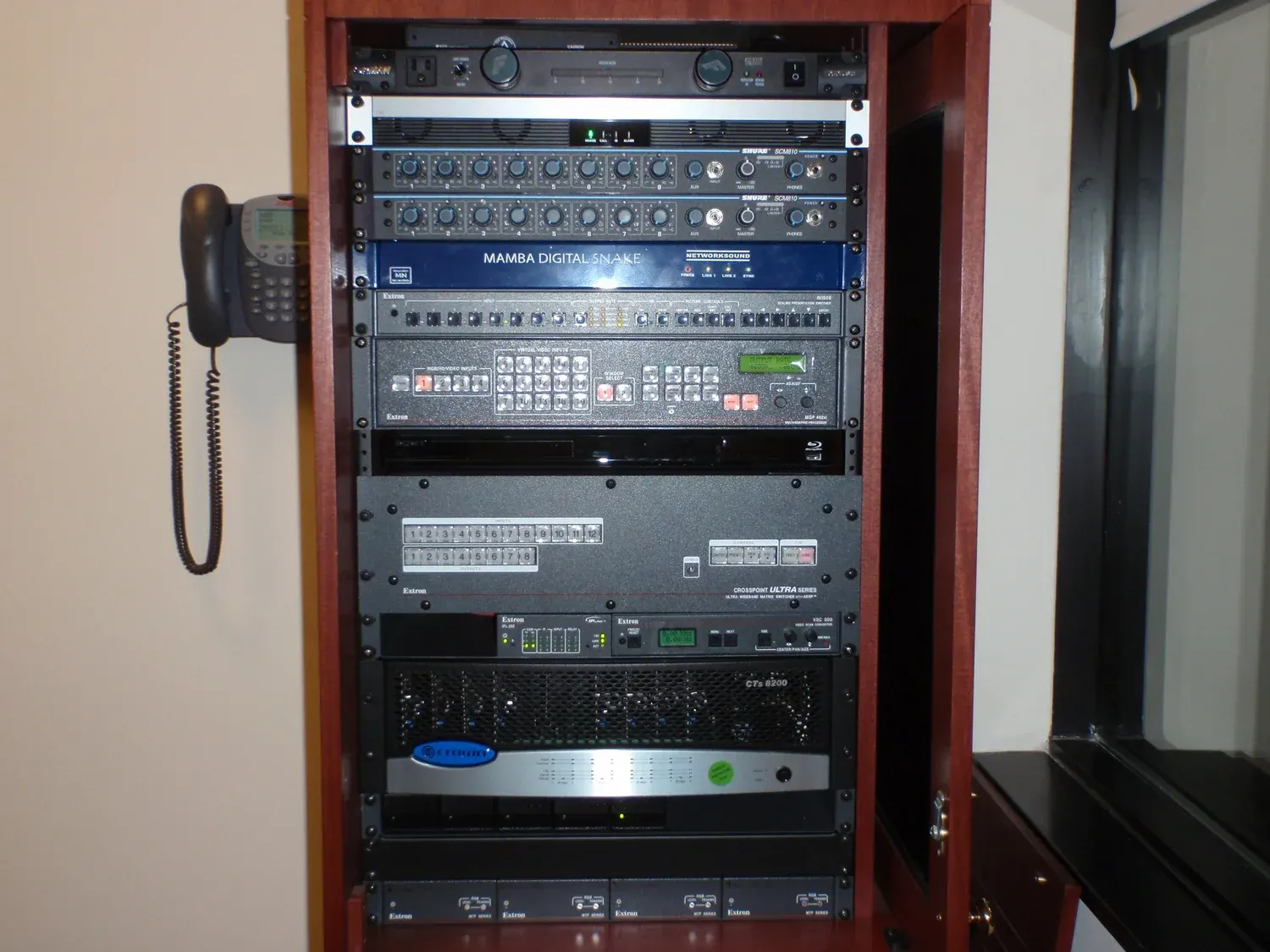
Equipment does not all age at the same rate. Speakers, amplifiers and cabling infrastructure can last for many years. Displays, projectors, conferencing hardware and anything that depends on software tend to need replacing sooner. A system designed with that in mind, with good infrastructure behind the walls and accessible equipment in the rack, can be refreshed in stages instead of torn out and rebuilt.
When you are planning a new system, ask your integrator which parts will likely need replacing first and roughly when. When you are maintaining an existing one, ask the same question every year.
AV support and service agreements: decide who to call before something breaks
The worst time to figure out who supports your system is the morning of a board meeting. Know whether your integrator offers a service agreement, how quickly they respond, whether they can connect remotely to diagnose problems, and what is covered. If you rely on internal staff or volunteers, make sure at least two people know the basics, so the system does not depend on one person being in the building.
The goal is a room nobody has to think about
A good system in year five looks almost the same as on day one: the same simple controls, the same clear sound, the same picture. Getting there is mostly a matter of small, regular attention and a clear plan for who does what.
Long Island Video has been designing, installing, maintaining and supporting AV systems for businesses, schools, houses of worship and public agencies across Nassau and Suffolk since 1988. For more on how we build permanent systems, see AV system design and installation. If you have a system that has started to drift, tell us about it or call 516 759 5483.