
The General Session and the Breakouts: AV for a Multi-Room Conference
A one-room meeting is a single production. A conference with a general session and four breakout rooms is five productions running at the same time, on the same schedule, with presenters moving between them and attendees moving even faster. Most of what makes a multi-room conference feel organized happens in the spaces between the rooms.
Long Island has a steady calendar of these events: association annual conferences, medical and legal continuing education days, sales kickoffs, and industry summits at hotels and conference centers from western Nassau to the East End. The room counts and session titles change. The AV questions are remarkably consistent.
The general session is the show
The general session is where the keynote speaks, the sponsors are thanked and the day is framed. It sets the tone for everything after it, so this is where the production investment belongs.
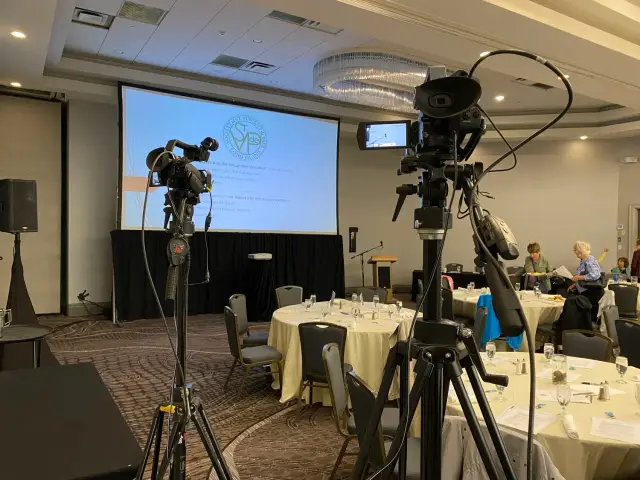
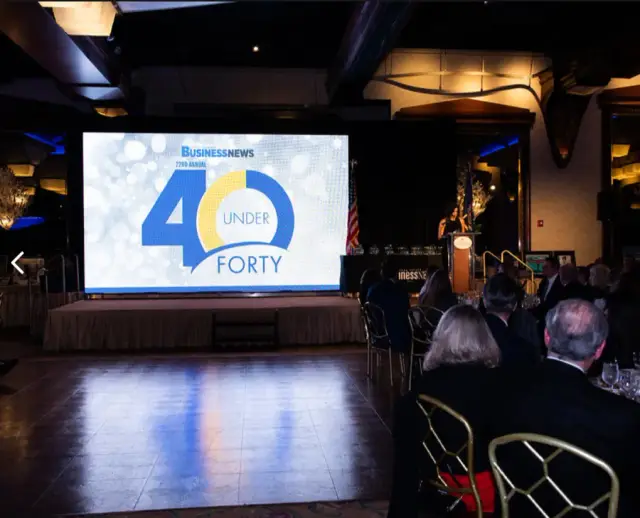
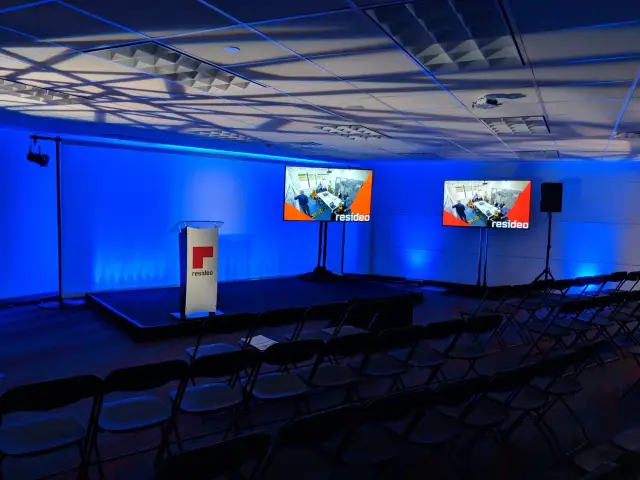
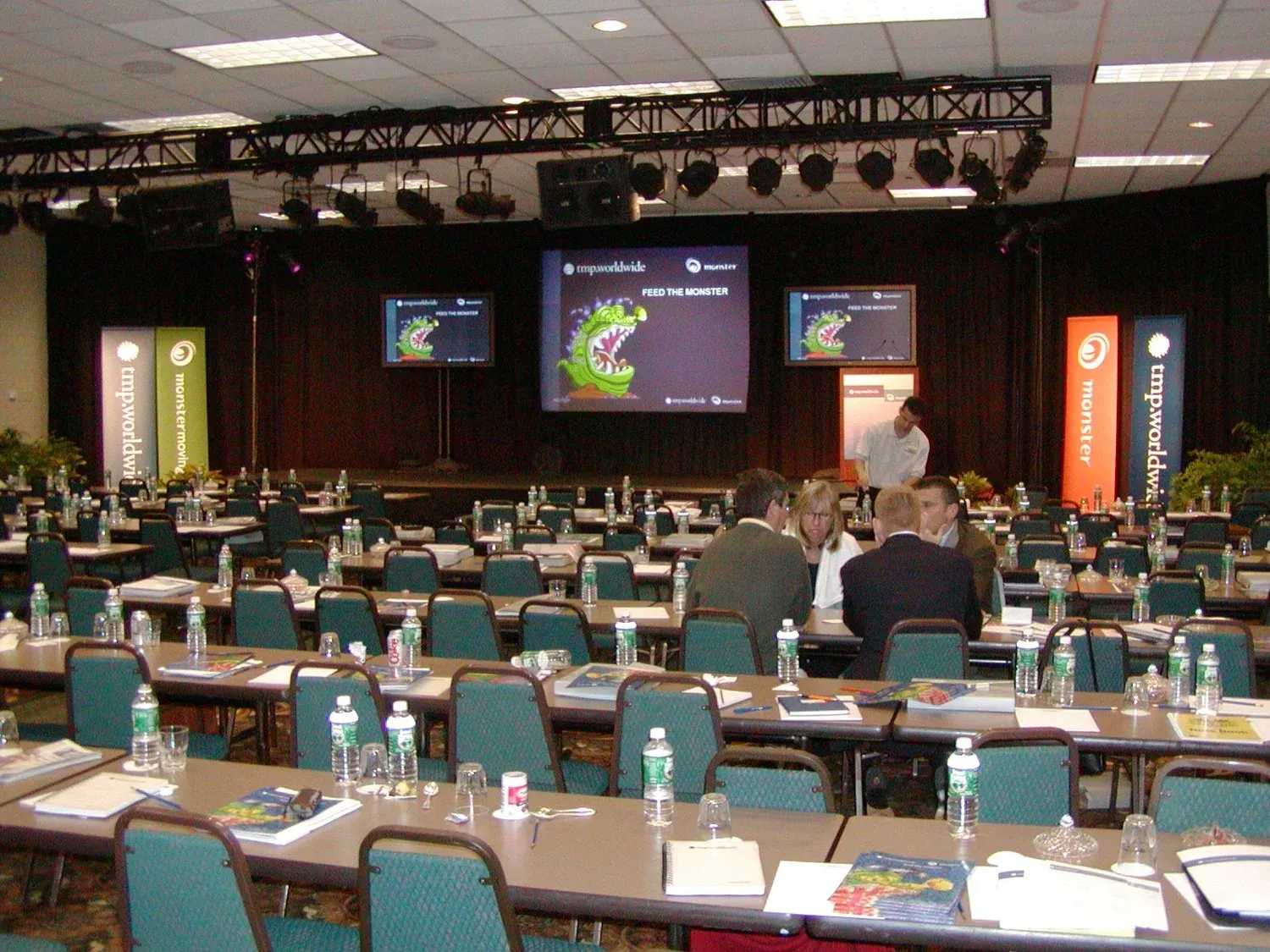
That typically means a stage with proper lighting, a large center screen with side screens in a long room (like the setup pictured above), a lectern and wireless microphones, a confidence monitor so presenters can see their slides without turning around, and a dedicated operator at a tech table at the back of the room. If you are deciding between projection and LED for the main screen, our guide to choosing a display walks through the tradeoffs.
The general session also tends to carry the most complicated content: walk-in music, a sponsor loop, video packages, a panel with five microphones, a live poll. Every one of those is a cue, and the operator should have a run of show that lists each one.
Breakout rooms need consistency more than spectacle
Breakouts are smaller, but they are where attendees spend most of their day, and they are where things quietly go wrong. The fix is not more equipment. It is a standard package, set the same way in every room.
A typical breakout package includes a screen or display sized to the room, a projector or display input at the lectern, a wireless presentation clicker, a lectern microphone and a wireless handheld for questions, and a small sound system or a connection into the room’s house audio. Every room should have the same cables, the same adapters and the same instructions taped to the lectern.
That consistency matters because presenters move. A speaker who learned how things work in Salon A should not have to figure out a different setup in Salon C an hour later.
Staff the floor, not just the rooms
Large conferences often have a technician in every room. Smaller ones may not need that, but they always need someone roving the floor during session changes, which is when most problems surface: a presenter whose laptop will not connect, a microphone battery that died over lunch, a room that is too warm because the doors were closed.
A good rule is to have an AV technician within a short walk of every room during the first ten minutes of each session. Problems that are solved in the first ninety seconds are invisible to the audience. Problems that are solved after ten minutes are what attendees remember.
Control the presentations before the day starts
The single biggest source of conference AV trouble is slides. Presenters arrive with files in different formats, built on different software, with embedded videos that live on a laptop at home. Some will want to use their own machine, and some of those machines will have no way to connect to the projector.
The most reliable approach is a speaker ready room: a quiet space with a couple of computers where presenters can check their slides on equipment that matches the session rooms. Collect presentations in advance where you can, load them on show computers in each room, and confirm every video plays with sound before the session.
If presenters must use their own laptops, have the adapters ready and test each one at the start of the session block, not when the presenter is already at the lectern.
Plan the room turns
Many conference venues change a room’s setup between sessions: classroom to theater, breakout to lunch, general session to evening reception. Each turn affects AV.
Ask the venue early which rooms flip, when, and how long the crew has. A projector screen that has to come down so a wall can move, or a stage that has to be cleared for dinner, is a fifteen minute job when it is scheduled and an emergency when it is not. Build the turns into the AV schedule the same way the venue builds them into the banquet schedule.
Recording and continuing education credit
If sessions are being recorded for on-demand access or for continuing education credit, decide that before you book the equipment. Recording a general session with a camera and a feed from the mixer is straightforward. Recording every breakout means a camera or capture device in each room, audio taken directly from the room’s microphones, and somebody responsible for labeling and collecting the files at the end of the day.
Medical and legal programs often need to document attendance and session length as well. If credit is involved, find out what the accrediting body requires and make sure the recordings and timestamps will satisfy it. If you are also streaming to remote attendees, our piece on hybrid meetings covers the extra layer that adds.
What to send your AV company
A multi-room conference quote is only as good as the information behind it. Send the agenda with every session and room, the expected attendance in each room, the floor plan, the venue’s load in times and room turns, which sessions are being recorded or streamed, and any sponsor or exhibitor needs. Our guide on how to brief an AV company goes into more detail.
When it works, nobody talks about the AV
A well run conference feels effortless from the seats. Sessions start on time, slides appear when the speaker reaches the lectern, questions from the floor are heard on the first try, and the transition from keynote to breakouts to lunch happens without anyone wondering where to go.
Long Island Video has supported conferences, continuing education days and association meetings at hotels and conference centers across Nassau County, Suffolk County and the tri-state area since 1988. See event AV staging and technology for more on what we provide, then tell us about your conference or call 516 759 5483.