
Running a Hybrid Annual Meeting That Does Not Feel Like a Compromise
Hybrid events settled into ordinary business practice, and the ones that work share a single quality: neither audience feels like the one that was accommodated. The people in the room are not watching a production aimed at cameras, and the people at home are not squinting at a wide shot of a hall.
That does not happen by adding a camera to a meeting. It happens by deciding, early, that you are producing for two audiences at once and designing accordingly.
The two audiences want different things
Start by being honest about the difference.
The room wants presence. Scale, a well lit stage, sound that fills the space, a reason to have traveled. It tolerates a slow moment because there are people either side of it and coffee afterwards.
The stream wants intimacy and clarity. Close shots, readable slides at laptop size, and clean audio with no room in it. It has a browser tab one click away and it does not tolerate a slow moment at all.
Most compromises happen when one set of decisions is applied to both. A wide static shot of the whole stage serves the room’s idea of the event and gives the remote audience nothing. A production cut entirely for camera can leave the hall watching a screen that is showing them something they are sitting ten feet away from.
The decisions that matter most
Audio for the stream comes from the mixer, never from the room
This is the one that separates a hybrid event that works from one that does not, and it is not expensive.
A microphone on a camera picks up the room: reflections, air handling, chairs, the person who arrived late. It sounds distant because it is distant. The stream needs a dedicated feed taken from the sound system, mixed for headphones rather than for a hall, with the presenter’s microphones clean and any playback audio routed in properly.
That means someone has to be responsible for the stream mix specifically. It is a different mix from the room mix, and on any event of real size it is a different person.
Light the people, not just the stage
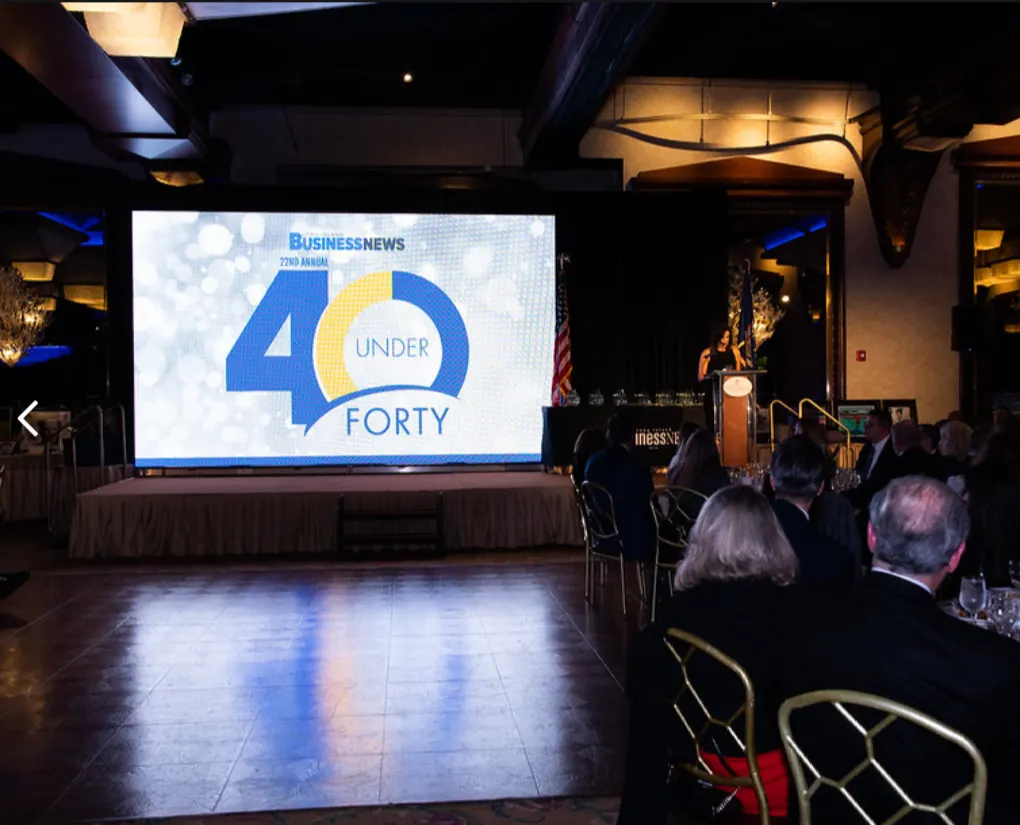
A stage lit for the room is often lit from above and behind, which looks dramatic in person and puts a shadow across a face on camera. Cameras need light on faces from the front, at a consistent level, and consistent color.
This is worth planning with the lighting design rather than patching afterwards. It also improves the room. Audiences find it easier to attend to a speaker whose face they can see clearly, and nobody has ever complained that a presenter was too well lit.
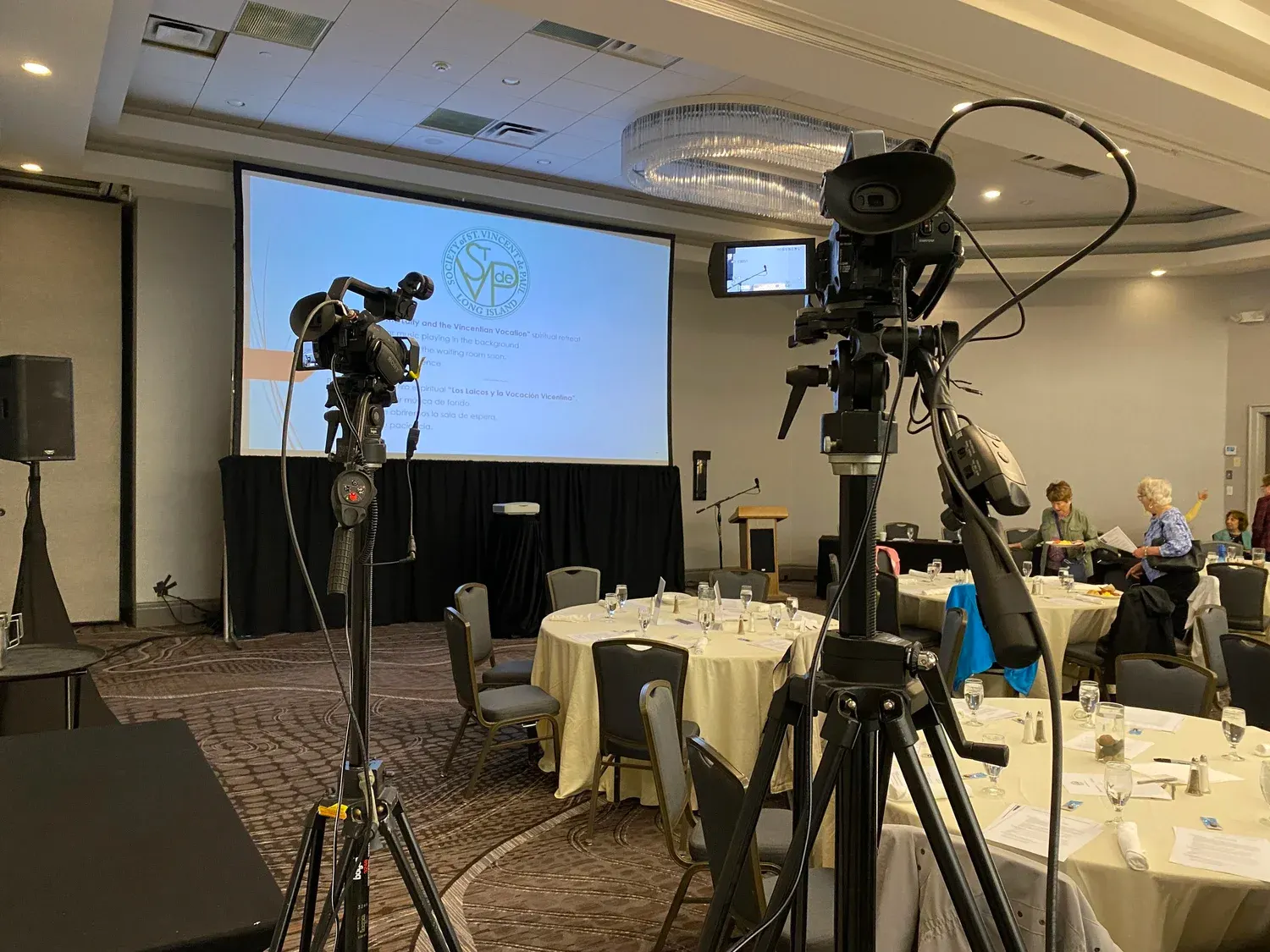
Put a camera where the audience is not
Sight lines belong to the paying audience in the hall. Camera positions that block them create resentment for the whole session and cannot be moved once doors open.
Decide the camera positions on the floor plan, at the same time as the seating. It is usually possible to find positions that serve the shot and take almost nothing from the room, but only while the seating chart is still a drawing.
Slides have to work at two sizes
The same deck is going to appear on a large screen twenty feet away and in a small window on a laptop. The laptop is the harder constraint. Ask presenters to build for it: larger type, fewer items per slide, and no detail that only reads at full ballroom scale.
For the stream, the slide should be sent as a clean source rather than filmed off the screen in the room. That single choice does more for the perceived quality of a stream than almost anything else.
Give the remote audience something to do
The hardest part of a hybrid meeting is not technical. It is that the remote audience has no social pressure keeping it in the seat.
Two things help. First, build in moments that belong to them: questions submitted from the stream and answered by name from the stage, a poll whose results appear on the room screen, a segment addressed directly to the people watching. Being acknowledged is most of it.
Second, tighten the run of show. The gaps that feel human in a room feel like dead air at home. Room turnarounds, the walk to the lectern, the pause while a laptop is swapped: all of it is longer than it feels when you are in the hall. Plan what the stream sees during those moments, whether that is a camera on the room, a branded card, or a host talking to the online audience.
Rehearse the transitions, not the content
Presenters usually know their material. What nobody has practiced is the handoff.
Rehearse the moments between: the switch from one presenter to the next, the point where video rolls, the transition into and out of a remote speaker, the question segment. Those are where hybrid events fail, and thirty minutes on them in the morning is worth more than an hour spent on any single presentation.
If you have a remote presenter, rehearse with that person specifically, on the connection they will actually use, from the place they will actually be. It is a different rehearsal and it is not optional.
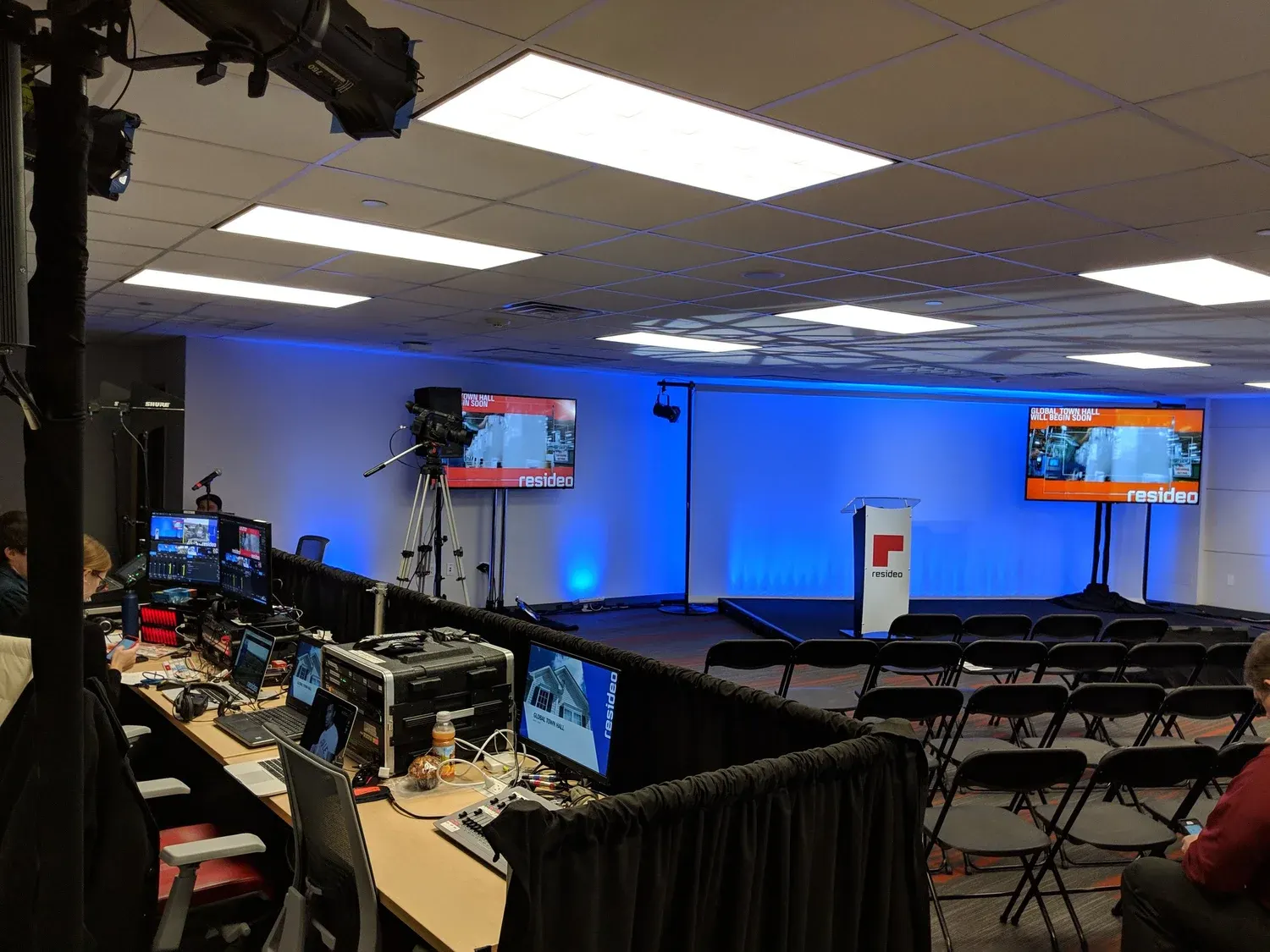
Decide who is watching the stream
On show day, somebody in the room has to be looking at what the remote audience is seeing, on a normal connection, with headphones. Not the switcher’s preview, not a monitor fed from upstream. The actual output.
Without that, a stream problem is discovered by the audience and reported by email. With it, it is caught in seconds. It costs one person and one laptop and it is the cheapest insurance on the entire event.
A short checklist
- A dedicated stream mix from the sound system, not a camera microphone
- Front light on faces, planned with the lighting design
- Camera positions on the floor plan before seating is finalized
- Slides sent as a clean source and built to read at laptop size
- Named moments in the run of show that belong to the remote audience
- Transitions rehearsed, and a full rehearsal with any remote presenter
- One person whose job during the event is watching the output
Long Island Video has produced in-person, virtual, and hybrid events across the New York metropolitan region for over 35 years, and designs and installs the live streaming and conferencing systems that support them. If you are planning an annual meeting with two audiences, tell us about it or call 516 759 5483.