
Classroom and Lecture Capture Systems Faculty Will Actually Use
Every school and college has at least one room like this. The equipment is capable, the specification was generous, and faculty book a different room whenever they can.
Classroom technology is unusual among audio-visual installations because the user is under time pressure at the exact moment they have to operate it. An instructor arrives with ten minutes between classes, students filing in, and a lecture to give. Anything that takes longer than that or behaves unpredictably will be worked around, and once a room acquires a reputation, that reputation lasts years.
So the design brief for a teaching space is not really about capability. It is: can somebody who has never been in this room before start teaching in under a minute.
Standardize across rooms, hard
The single highest-value decision in a campus or district AV program is consistency.
An instructor who teaches in four rooms should find the same controls in the same place doing the same thing in all four. Same input naming, same startup, same way to share a screen, same location for the panel. When that is true, the technology stops being something to learn per room and becomes background.
Rooms differ in size and capability, and that is fine. What should not differ is the interaction. Build tiers if you need to, and keep the interface identical across the tier.
This is easier to say than to do, because rooms are usually built in waves as funding appears, several years apart, with different equipment available each time. It is worth real effort to keep the experience consistent even when the hardware behind it is not.
Make the panel say what it does
Control interfaces drift toward the language of the equipment. Faculty do not think in terms of inputs and sources. They think: I want my laptop on the screen. I want the document camera. I want to be heard. I want this recorded.
Label the controls in those words. A room whose panel reads like the task list of a person teaching will be used correctly by people who never received training.
Audio is what students actually complain about
Visual problems are obvious and get reported. Audio problems get endured, and they do more damage.
Two separate needs:
Reinforcing the instructor. In a large or acoustically difficult room, a voice lift system means the instructor can speak normally and be understood in the back row without straining for an hour. It also helps every student who is listening in a second language or with any degree of hearing loss, which is a much larger group than anyone tends to assume.
Capturing student voices. This is the requirement most often missed, and it is the one that ruins recordings and hybrid sessions. A lecture recording where the instructor is clear and every question is inaudible is a recording of half a class. If discussion matters in the room, microphone coverage for the seating area has to be part of the design, not an afterthought.
Assisted listening should be planned in for the same reasons it is planned in anywhere else, and its coverage should be checked as part of commissioning.
Displays: read the back row, not the specification
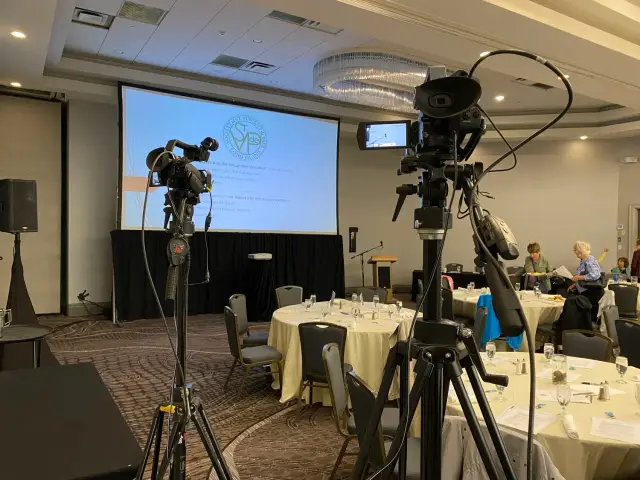
Size the display from the furthest seat and the smallest thing anybody has to read. In teaching spaces that smallest thing is often a formula, a line of code, or an annotated diagram, all of which are far more demanding than a slide of bullet points.
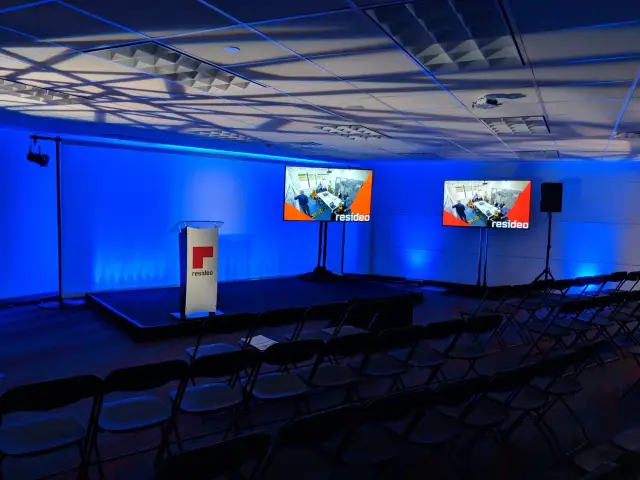
Two smaller displays frequently serve a wide or shallow room better than one large one at the front. Long rooms with low ceilings almost always need a second position, because a single front display puts the bottom third of the image behind somebody’s head for half the class.
Check ambient light honestly. A classroom with large windows and no effective shades will defeat a projector regardless of its brightness. That is a room decision as much as an AV decision, and it is better to raise it during design than to explain it afterward.
Capture should be one button
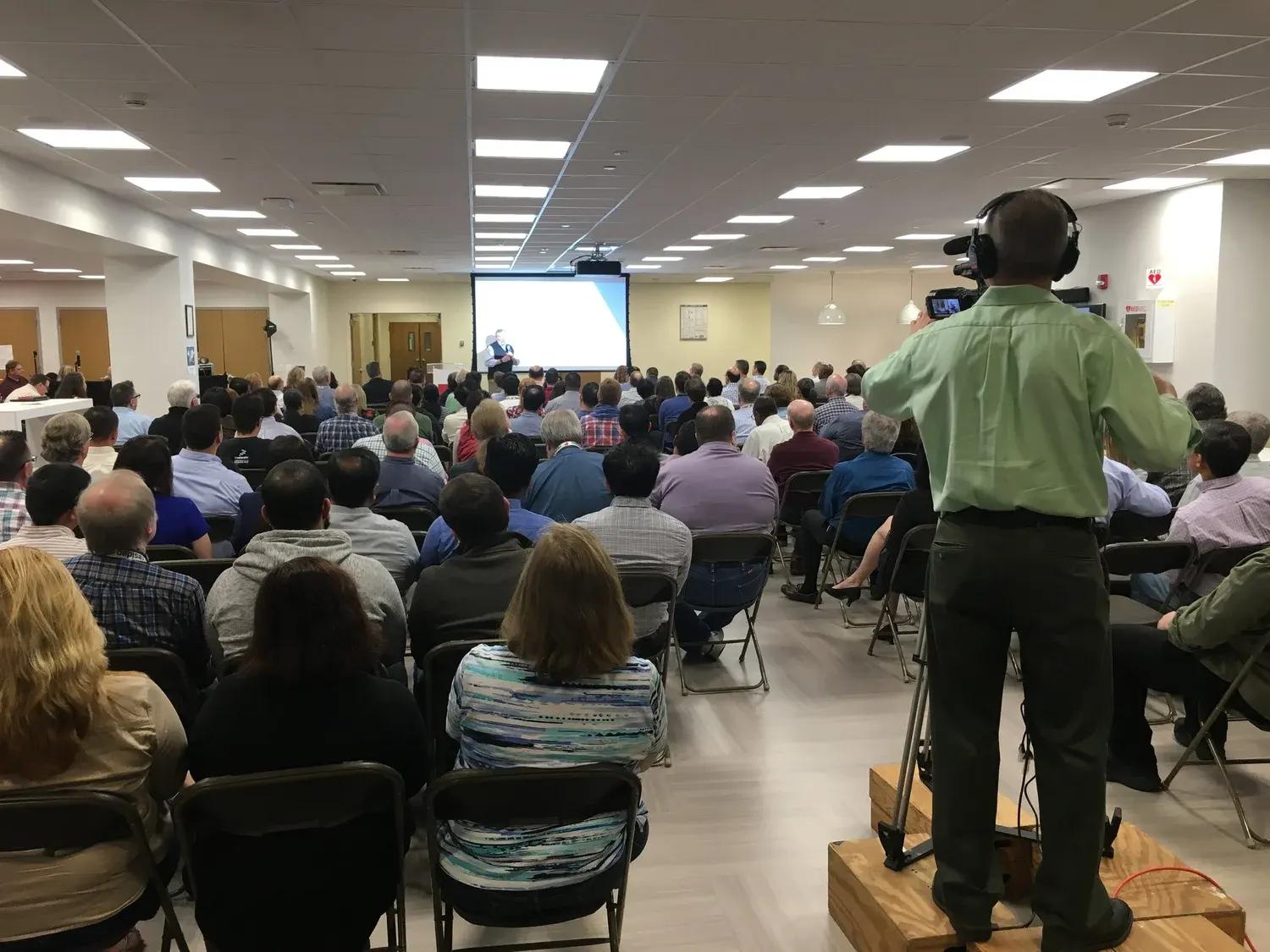
Lecture capture succeeds or fails on how much attention it demands during class.
The goal is a single, unambiguous action to start, a clear indication that recording is happening, and a reliable path for the file to reach wherever the institution keeps it. Anything requiring an instructor to think about file naming, storage, or publishing during a lecture will not be used consistently.
Decide the surrounding policy at the same time as the technology, because it changes the design. Who owns a recording. How long it is kept. Whether students are informed and how. Whether recordings are edited before release, and by whom. Those answers determine the workflow, and the workflow determines what the room needs.
Also decide what a capture actually is. For most teaching, the valuable artifact is the presented content plus clear audio, with the instructor as a secondary element. A high-quality screen capture with good sound is more useful to a student revising than a wide shot of a room.
Support the room after it opens
A classroom is used many times a week by many different people. That is a different support profile from a boardroom.
A few things that pay for themselves:
A visible way to report a problem, with the room number already on it. Faculty will not chase a phone number between classes, but they will scan a code or press a help button.
A monitoring approach so that a display that has stopped responding is discovered by facilities rather than by an instructor at the start of a lecture.
Scheduled checks before each term begins, room by room, with a list. Cables walk, settings drift, batteries die.
Repeat training, including a session a few weeks into the term when people have specific questions rather than general ones. A short recorded walkthrough that a new adjunct can watch on their own is worth more than most in-person sessions.
The test that matters
When a classroom is finished, run this test. Take somebody who has never seen the room, hand them a laptop, and ask them to get their screen on the display, be heard at the back, and start a recording. Watch without helping.
If it takes under a minute and they never look confused, the room will be used. If it does not, fix the room now, because faculty will not report it. They will just book somewhere else.
Long Island Video designs and installs AV systems for schools, universities, and other institutions across the tri-state area, including displays, sound and PA, live streaming and conferencing, with training and ongoing support. If you have classrooms that are not being used the way you hoped, talk to us or call 516 759 5483.